A canvas you can edit
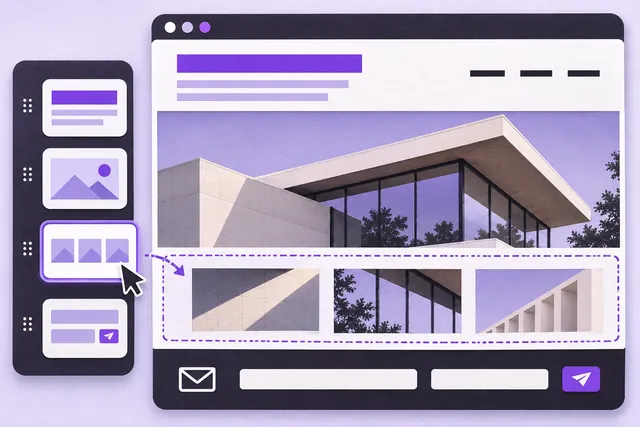
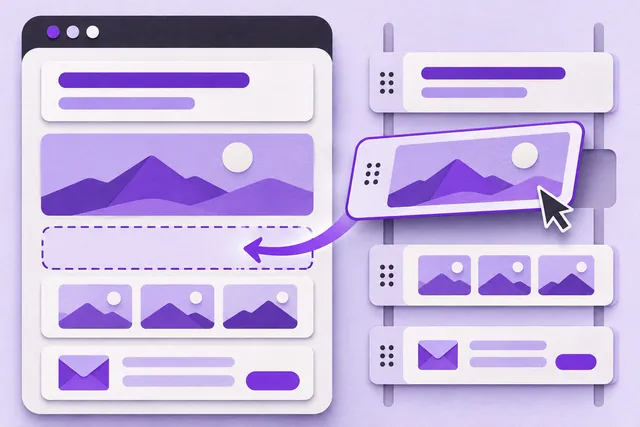
Use a modern phone, tablet or desktop browser to edit ready-made sections for headings, images, galleries, services and supported products. The project checklist links to the next setup step. Reorder sections, change text and colours, upload your own images and preview desktop and mobile layouts. Normal editing works without AI; optional AI tools require your choice and use the applicable allowance.
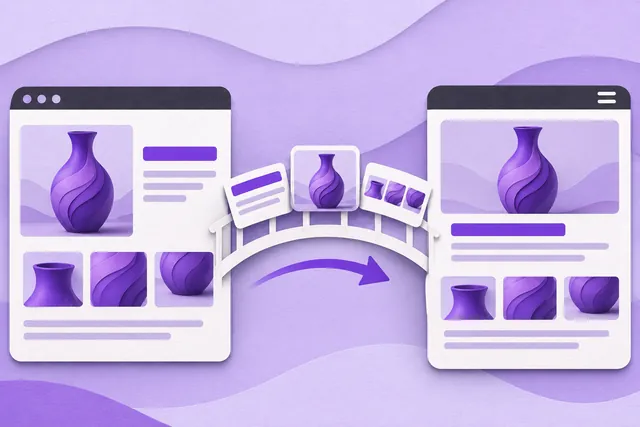
New look. Same content.
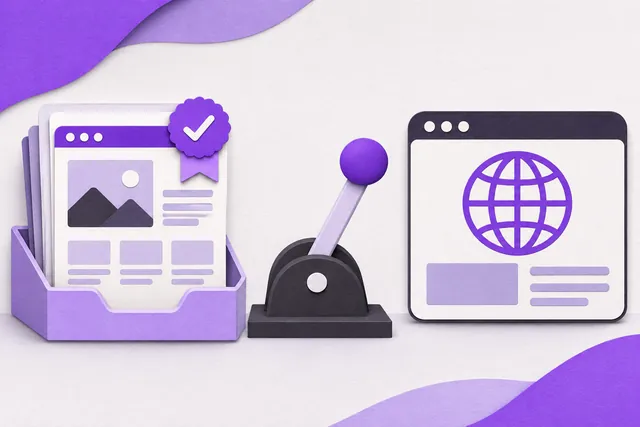
Start with a template and later change its theme while keeping saved text, images, pages and products. Preview supported layouts before saving. Arabic and English content can be edited separately. Optional automatic translation updates generated text when the source changes; manually corrected translations are preserved and can be flagged for review. Check both languages before publishing. Theme changes do not provide unrestricted custom code.
Publish on your terms
Saving and publishing are separate actions. Confirm your content, mobile layout, contact details, permissions and domain. Public publishing requires an eligible active plan and launch approval. During private testing, websites remain limited to approved reviewers. Webinku is currently a browser-based service; this page does not offer an App Store or Google Play application.