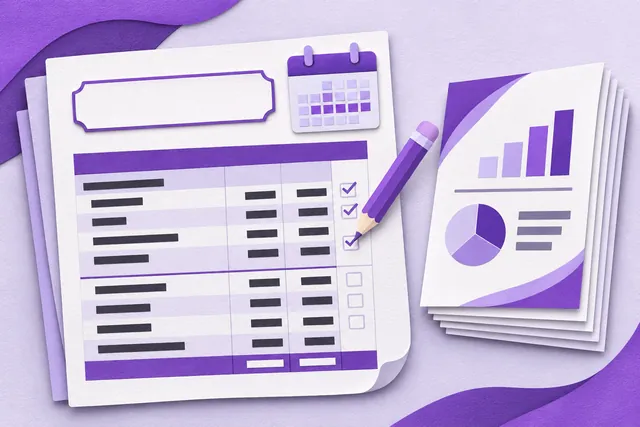
Enter it your way
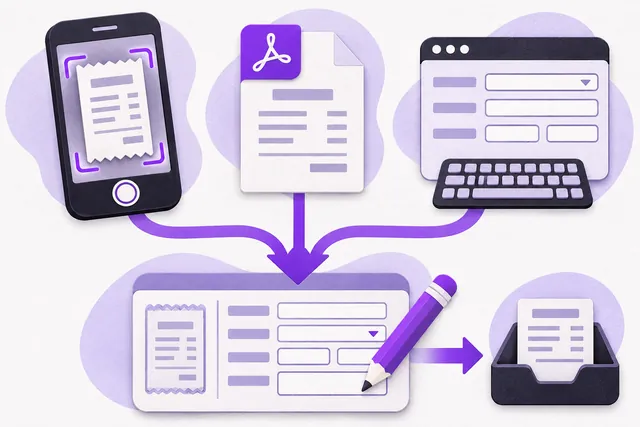
Add a document from your phone camera, choose a file or enter details manually. The private library accepts PDF, JPEG, PNG, WebP, TXT and CSV files up to 4 MB, with a 100 MB private-document allowance per website. Convert other formats first. Optional AI extraction uses your allowance and sends the selected document and note to OpenAI after confirmation. Review the suggested supplier, reference, dates, currency, amounts and classification before saving.
Keep the original evidence
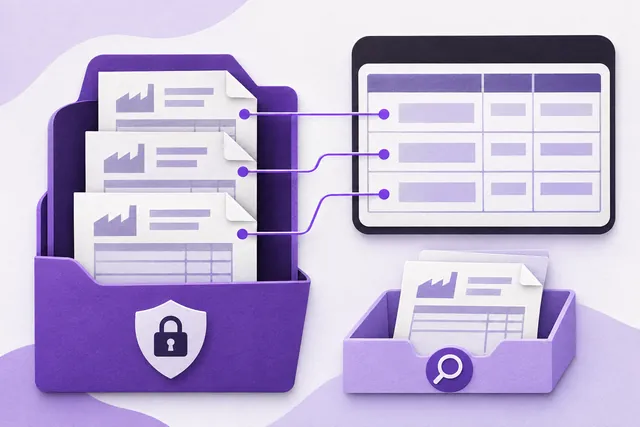
Originals and reviewed details stay in the website’s private document library for authorised access. Exact-file and supplier/invoice-reference checks help prevent duplicate records; equal amounts with different invoice numbers can be valid. Rephotographed, edited and numberless invoices still need checking. Keep your own backup. Website sales already feed the reports and must not be entered again as expenses. Saving a file alone does not post it to the expense register.
Reports in your business name
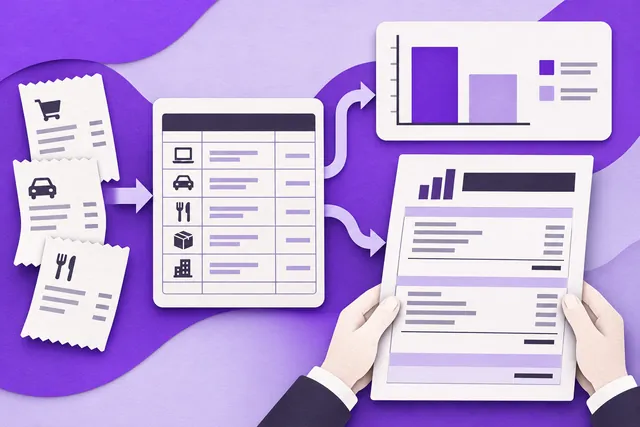
Reports combine supported confirmed receipts, recorded cash and reviewed paid KWD operating expenses. Unpaid bills, stock purchases, equipment and capital remain for appropriate accountant review. Review missing records, refunds, fees and reporting dates before exporting or printing. Documents use your business identity without Webinku promotional branding. These reports are preparation materials, not a tax return, audited accounts or an approved Qayd/XBRL submission.