A clear next step
Start with an answer. Continue with our support team when you need more help.
Common questions
Who is Webinku for?
Business owners, creators, bloggers and designers building sites for clients. Choose a plan for each website based on the features it needs.
Can I manage several websites?
Yes. One account can manage multiple projects. Every website has its own plan, invoice and renewal date. Personal profile details remain separate from business details.
Will a theme change erase my work?
After your first template choice, changing a theme keeps your content and changes the supported layout. Preview, save and publish remain separate steps.
Can I use my own domain?
Yes, connect an existing domain using the DNS instructions for your website. The first-year domain offer has separate annual-plan conditions; renewals are paid separately.
Can I accept payments immediately?
Online selling requires Start, Grow or Pro, business review and approval from a supported payment provider. Live payments are disabled during private review.
Does Webinku submit XBRL reports?
No. Current tools prepare supported records and printable financial reports for accountant review. Official XBRL validation and government submission are not available.
Do I need to use AI?
No. Templates, the setup checklist and manual editing work without it. The built-in help guide uses reviewed content without spending AI credits. Optional generation and translation tools are separate and have usage allowances.
Does correcting a translation change the other language?
A translation correction affects the selected language. With automatic translation enabled, editing source content can update generated text while preserving manual corrections for review. Preview both languages before publishing.
How do I delete a website or cancel renewal?
Use Website settings for website deletion and Plan & invoices to cancel renewal. Use Personal profile to delete the whole account. Review dependencies and effects and save exports before confirming. A reason is optional; routine email approval is not required. Refunds are a separate request.
Is a shop customer account a Builder account?
Shared customer sign-in does not grant website management permissions or a subscription. A business cannot see that customer’s history at other businesses. Order details go to their seller; website-owner subscriptions are managed separately.
Are all images and files private?
No. Website and product images have public asset URLs, including while drafted. Use the designated private financial library for documents and the product-personalization feature for order artwork. Do not put identity documents or secrets in website images or chat.
Still need a hand?
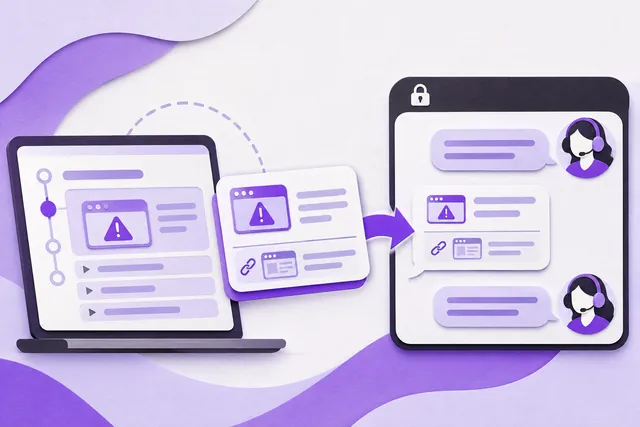
Open Help inside your account to request a person. Share the problem, not your password.